Edit on the preview
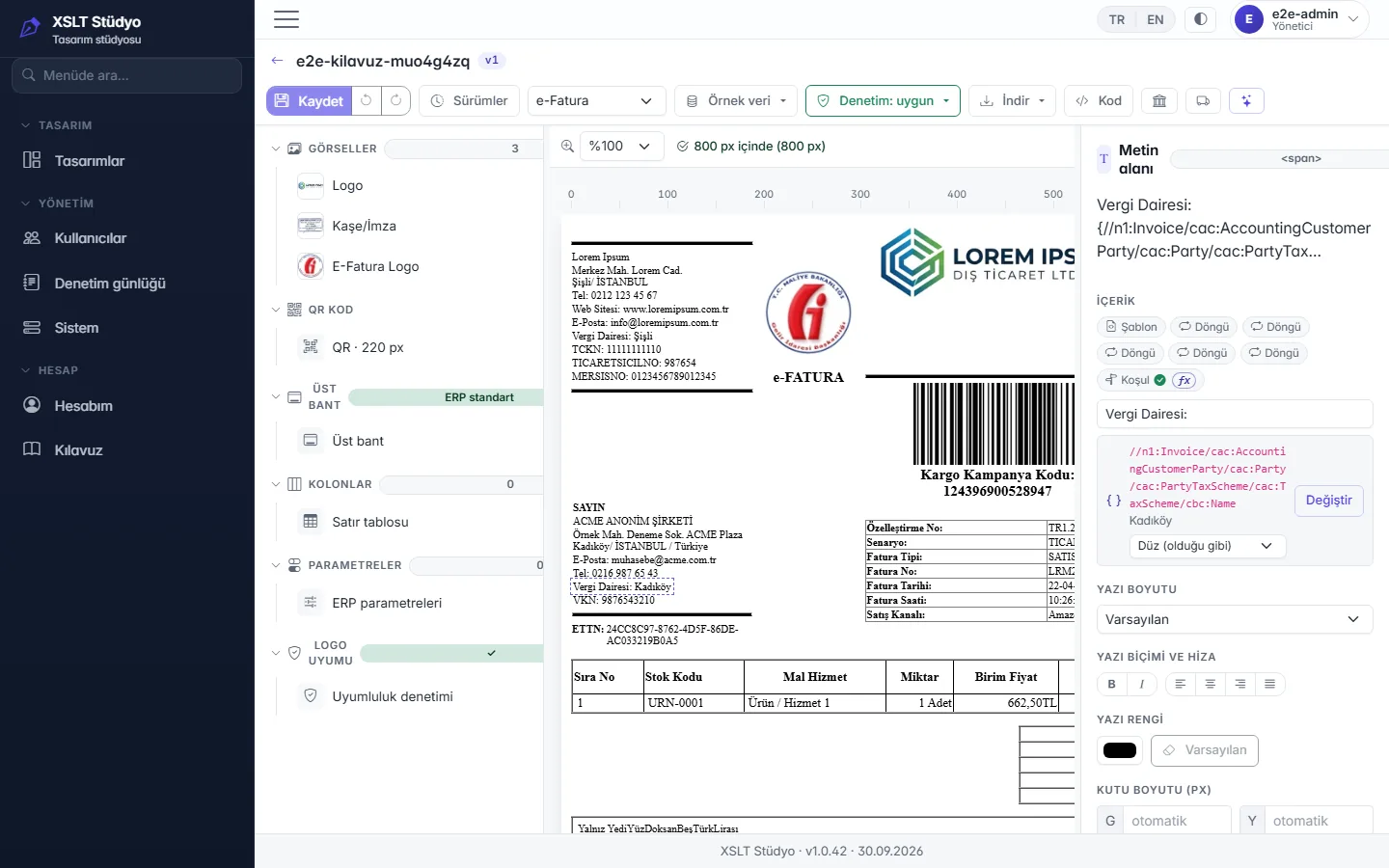
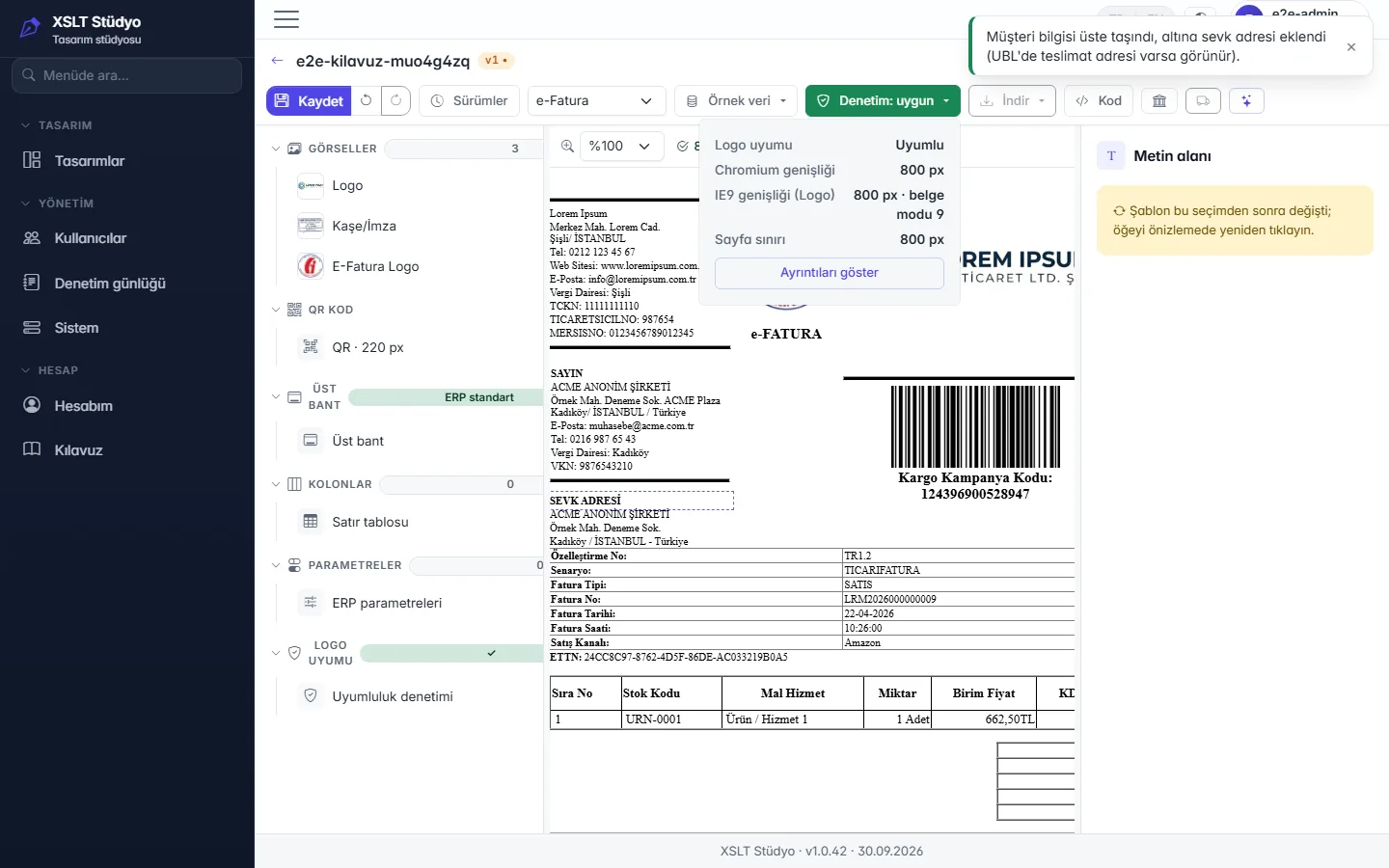
Click to select logos, stamps, the QR code and texts; drag to move, resize from the corner and change font and alignment in the side pane.
XSLT Design Studio lets you start from a ready-made template or your own file, edit images, texts and conditions directly on the preview, check Logo ERP compatibility with one click and keep every change as a version.
No sign-up and no time limit; downloads are disabled in the demo.

View templates that meet ERP standards, no XSLT knowledge required.
Click to select logos, stamps, the QR code and texts; drag to move, resize from the corner and change font and alignment in the side pane.
Describe what you need — e.g. "hide the discount column when it is empty"; the assistant proposes changes and you pick which to apply. Only the template structure is sent to the cloud, never invoice data.
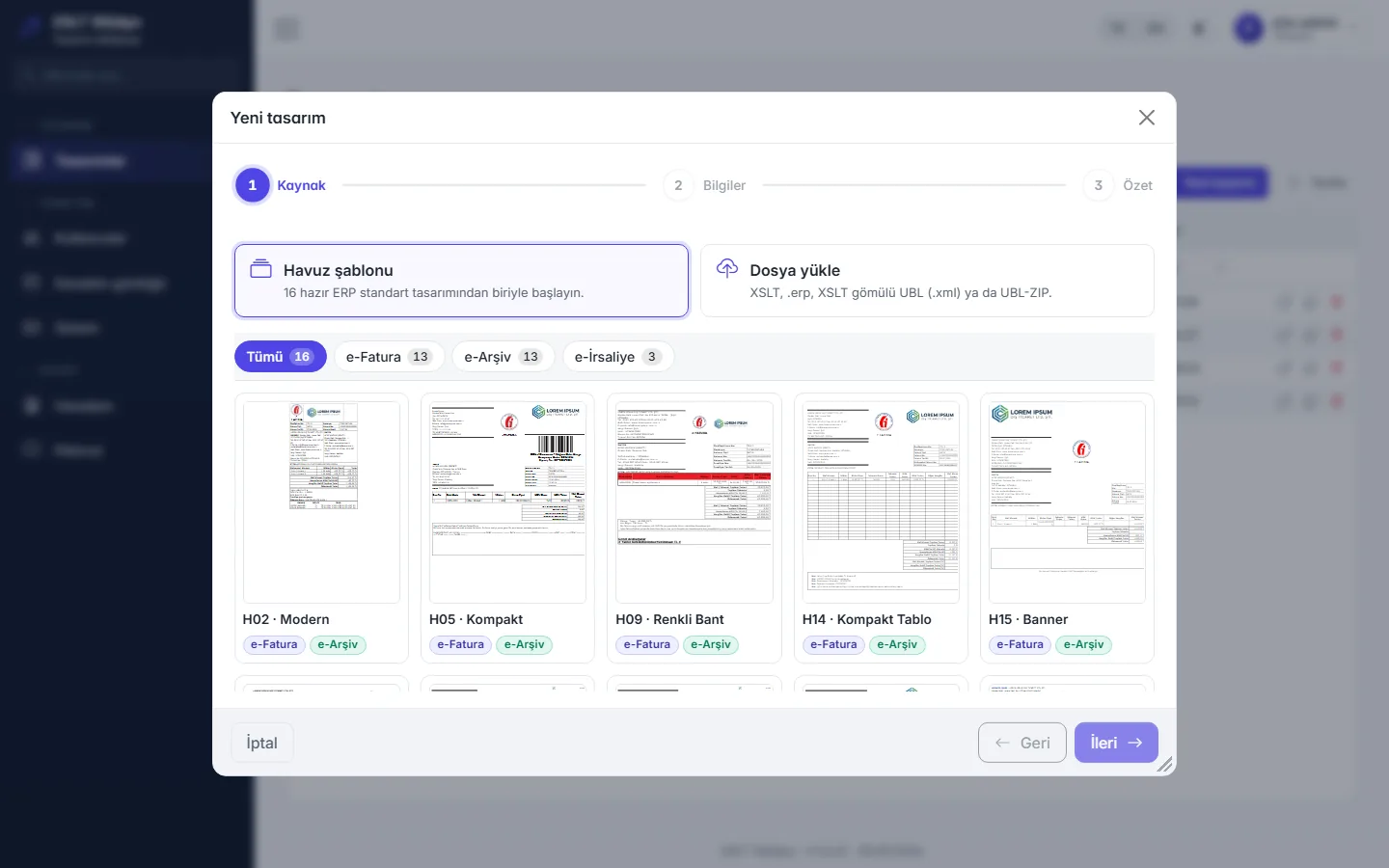
Start from ERP standard designs for e-Invoice, e-Archive and e-Despatch, or upload XSLT, an .erp package or UBL/ZIP.
The design is checked continuously against the structure Logo expects; deviations are fixed with one-click, undoable fixes.
Output is measured in both Chromium and the legacy IE9 engine used by Logo; designs exceeding the page limit are flagged.
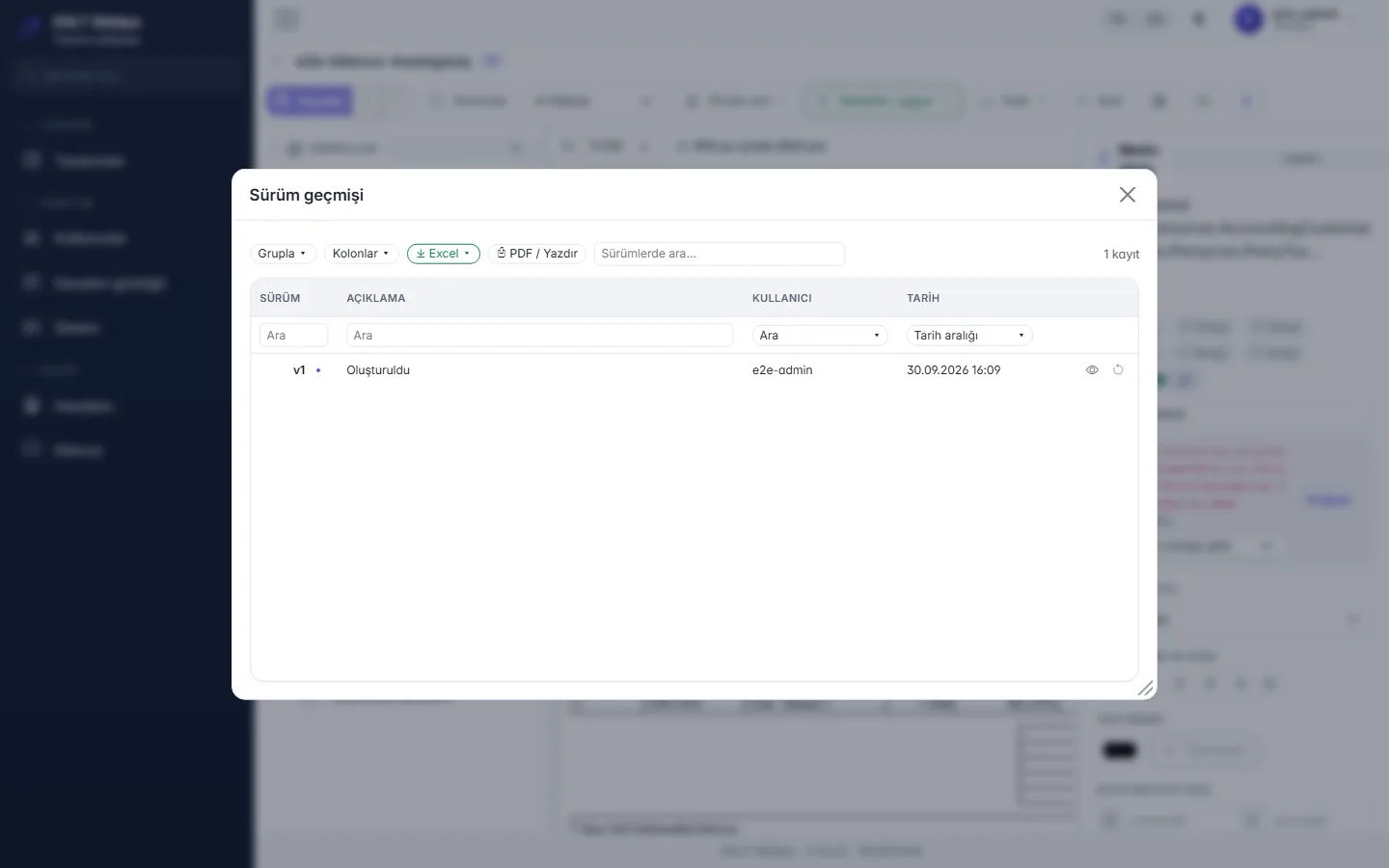
Every save is a new, described version; reverting also creates a new version, history is never deleted.
Real invoices (UBL) uploaded for preview are not stored; designs are processed in an isolated process with a timeout.
Pick a template from the pool in the wizard or upload your existing XSLT.
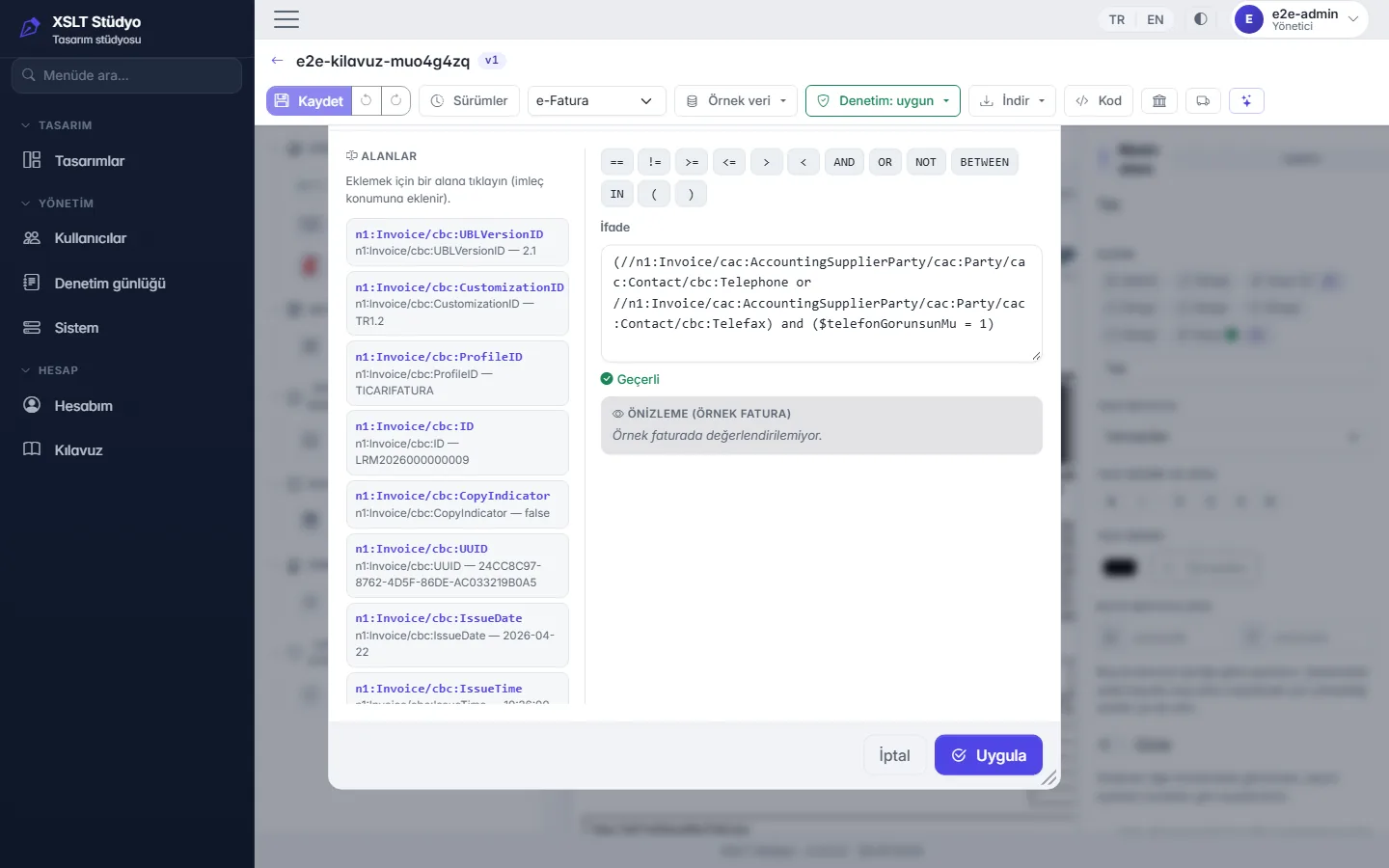
Change images, texts, columns and conditions on a sample invoice; the check badge updates instantly.
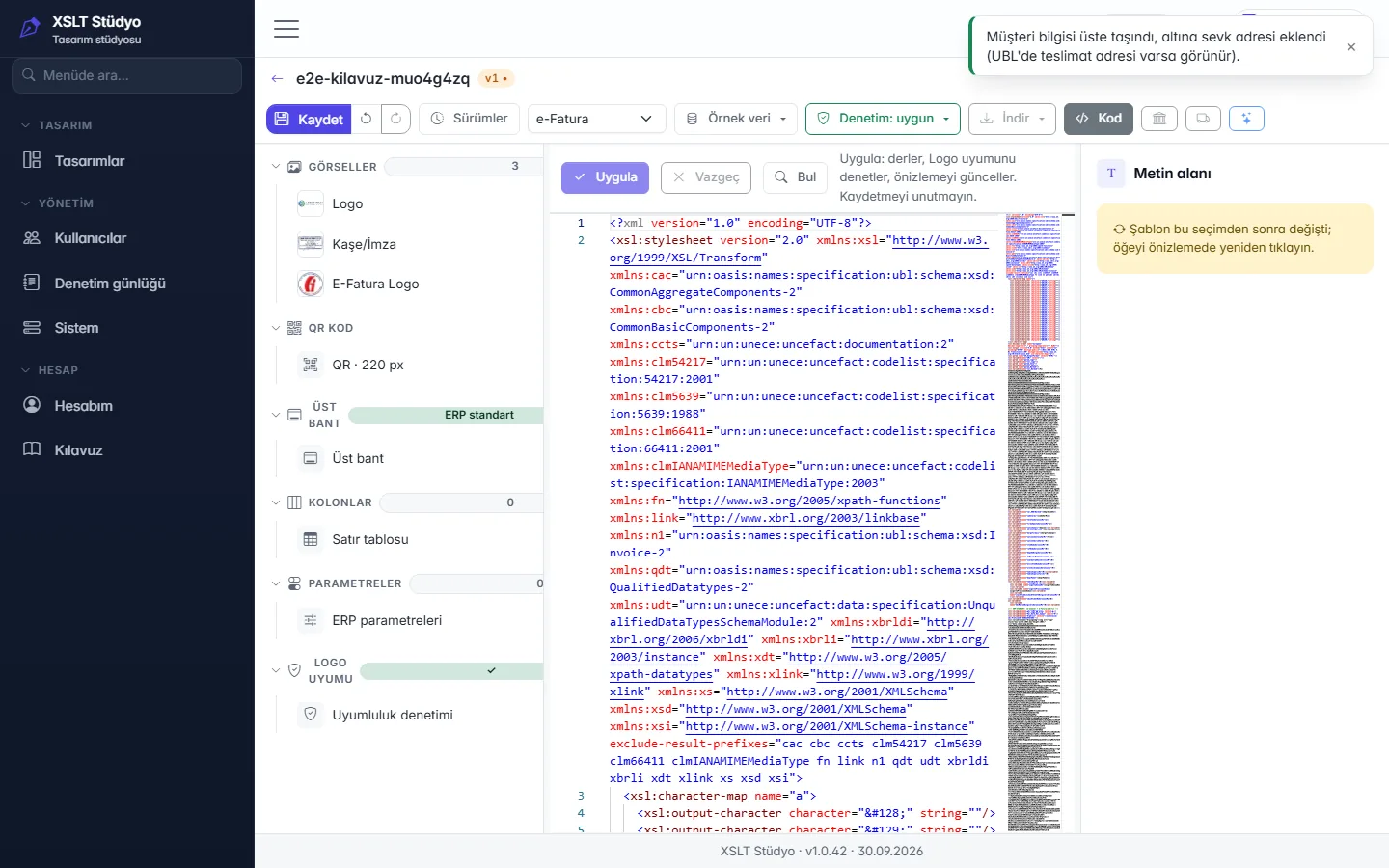
Save a described version; download as XSLT, UBL or ZIP and import it into Logo.
An invoice template from elsewhere, or one written by hand, may contain structures the Logo portal does not accept. Upload your file; Studio checks it against 18 Logo compliance rules and shows what is wrong and why.
Across encoding, non-Logo scripts, QR structure, page width and event handlers, every finding is listed with its rule code (R1–R18) and line.
Findings that can be fixed safely are fixed in one click with “Fix”; fixes are reversible. Whatever cannot be fixed automatically is left to you, with the reason.
The Logo preview uses the old IE9 engine. Your design is measured in that engine too; layouts that exceed the 800 px page limit are flagged with a badge.
The Logo preview is drawn by the old IE9 engine, while your browser uses modern Chromium. Here is a pool template, with the same anonymous sample data, side by side in both engines.
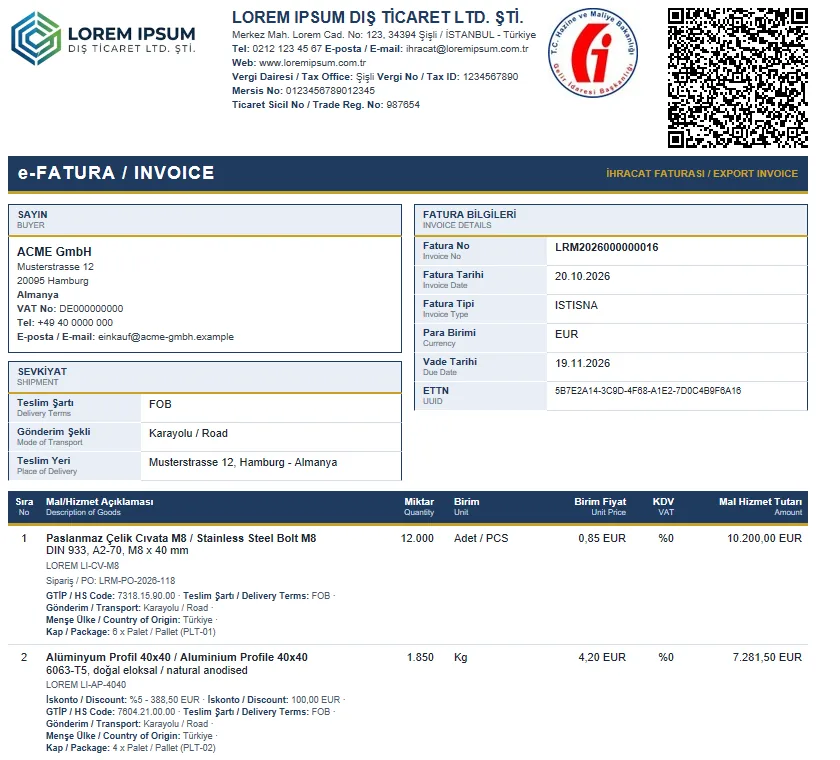
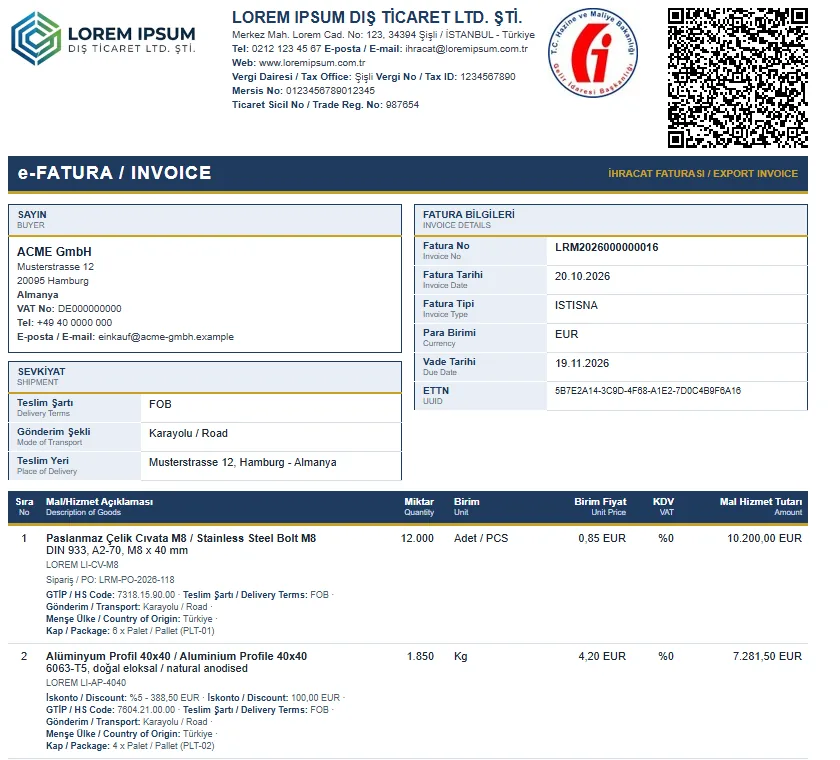
This example template gives the same layout in both engines; your own design is also measured against the 800 px page limit in both engines. Small differences such as text smoothing come from the engine. Example: the “F16 · Export Classic TR-EN” pool template, anonymous sample data.
If your existing design needs changes or adapting to Logo, write to us using our contact details.
satis@erp.trNothing to install; start right away in your browser.